A haircut try on photo can stop a bad salon decision before it happens, but it can also make the wrong style look strangely convincing. The preview is only as honest as the photo, the angle, and the way you judge the result. Use it as a planning tool, not as a promise. The best previews answer a simple question: does this haircut direction make sense with your face proportions, hairline, texture, and daily routine?
What a virtual haircut preview can show
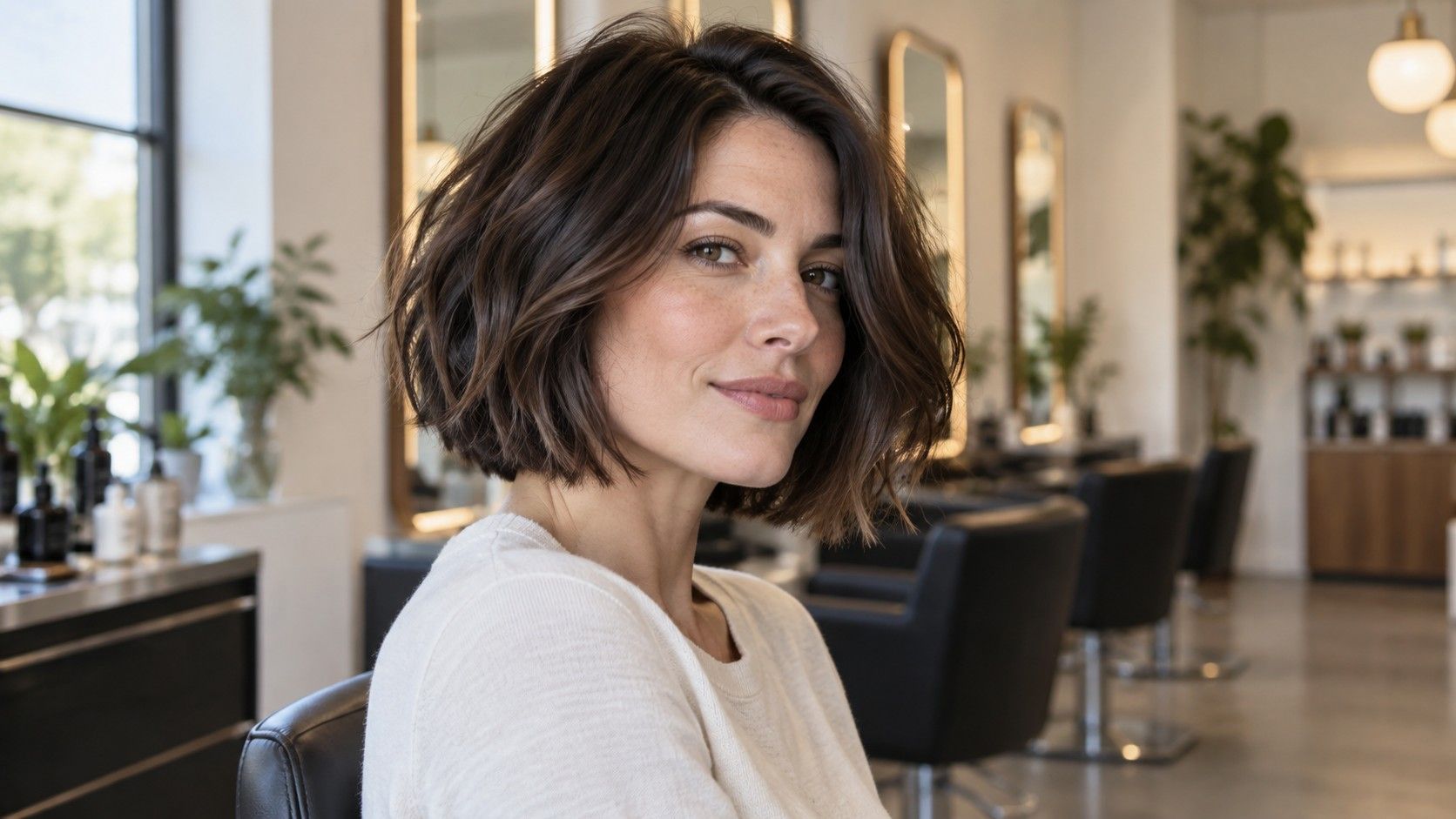
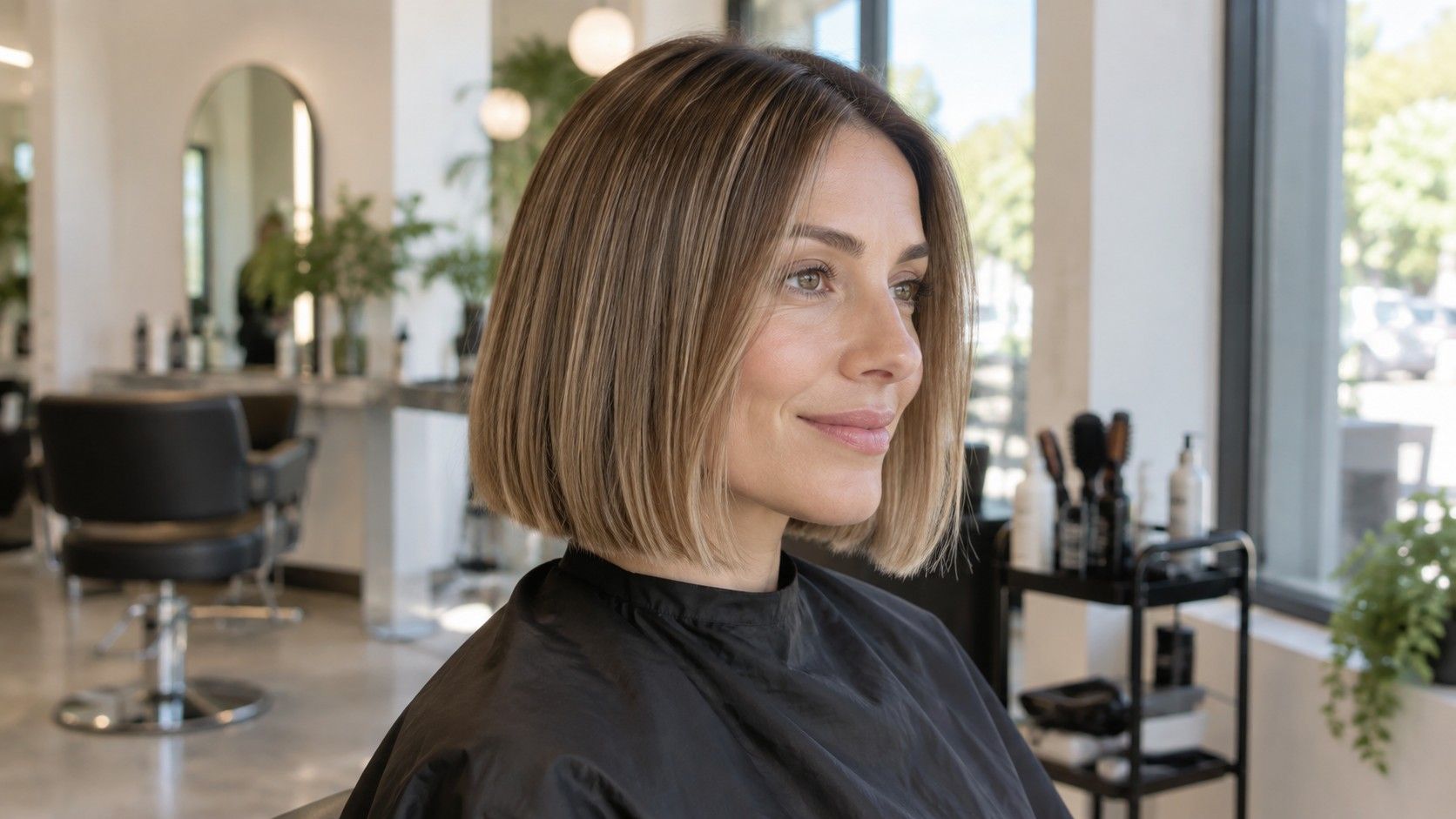
A virtual hairstyle try on is strongest at showing broad shape. It can help you compare a chin-length bob against long layers, a side part against a center part, or a fringe against an open forehead. That is useful because most haircut regret starts with proportion, not with tiny details. If the new shape makes your face look more balanced in several photos, it may be worth discussing.
Take a reference photo that is usable
It is weaker at showing density, movement, and the way real hair reacts after washing. A preview can place curtain bangs on your face, but it cannot know whether your cowlick will split them by breakfast. It can show a clean pixie shape, but not whether your hair texture will need paste, blow-drying, or trims every three weeks. Treat the image as a sketch of direction rather than a finished forecast.
Common photo and filter mistakes
The most useful way to try hairstyles on photo is to compare three or four related options, not twenty unrelated fantasies. If you are thinking about shorter hair, test a long bob, a collarbone cut, and a jaw-length bob. If you want a fringe, compare curtain bangs, a soft side fringe, and a fuller brow-skimming fringe. You are looking for patterns, not one perfect render.
The photo matters more than people want to admit. A front camera held too close widens the center of the face and can make the jaw, nose, or forehead look different from real life. For a better haircut try on photo, step back, use a timer if possible, and place the camera around eye level. Natural window light from the front is kinder and more accurate than bathroom lighting from above.
Keep your hair pulled away from the face if you are testing a very different length or fringe. If loose hair covers the cheeks, the preview may build the new style on top of old shadows. Show the hairline, temples, ears if possible, and the real neck length. A plain background helps because the tool does not have to guess where your hair ends and the room begins.
Take more than one photo. A straight-on image is good for symmetry and face width. A three-quarter photo shows cheekbones, nose projection, and how volume may sit around the jaw. A side photo is useful before choosing a bob, pixie, or heavy fringe because the profile often reveals whether the cut will feel neat or bulky. If one preview looks great only from one angle, keep testing.
| Photo choice | What it reveals | Risk if ignored |
|---|---|---|
| Straight-on, eye-level photo | Face width, fringe balance, parting | A style may flatter only a distorted selfie angle |
| Three-quarter photo | Cheekbone and jaw volume | Side layers can look heavier in real life |
| Side profile photo | Neckline, bob length, crown shape | Short cuts may surprise you from the side |
Compare shape before details
When a preview loads, ignore the color first. Many tools change shine, tone, and contrast in ways that make the whole image look fresher. That glow can trick you into liking the haircut more than the haircut itself. Cover the hair color mentally and look at the outline: forehead coverage, width at the cheekbones, weight near the jaw, and length around the neck.
Parting is another quiet detail. A center part can make a long face look longer if the style is flat at the sides. A deep side part can add movement, but it may also feel fussy if your natural part fights it. If your current hair always falls one way, test the new style with that reality included. A virtual hairstyle try on is more useful when it respects habits you already know.
Texture should be judged with caution. A tool may give fine hair thick salon waves or make curly hair behave like a smooth wig. Ask yourself whether the preview depends on a texture you do not have. If the shape still looks good when you imagine your real wave, frizz, density, or flatness, the idea is stronger. If it only works as polished fantasy hair, save it as inspiration, not instruction.
The first mistake is using a smiling selfie taken from above. It may be flattering, but it changes the face proportions. A haircut chosen from that angle can feel wrong when seen in a mirror at normal distance. The second mistake is using a photo with heavy makeup, dramatic lighting, or a beauty filter. Those effects can make a sharp fringe or blunt bob look easier to wear than it feels on an ordinary morning.
Another mistake is trusting the hairline placement too much. Some previews sit bangs slightly too high or too low, especially around the temples. Look closely at where the simulated hair starts. If the fringe floats, covers the brows unnaturally, or ignores your real growth pattern, the preview is not giving salon-level guidance.
People also compare a messy current photo with a polished preview. That is unfair to the current haircut and too generous to the new one. If you want a useful comparison, style your current hair normally, take a clean photo, then test the new option. The question is not whether the preview beats your worst hair day. It is whether it beats a realistic version of your actual routine.
Bring the useful parts to a consultation
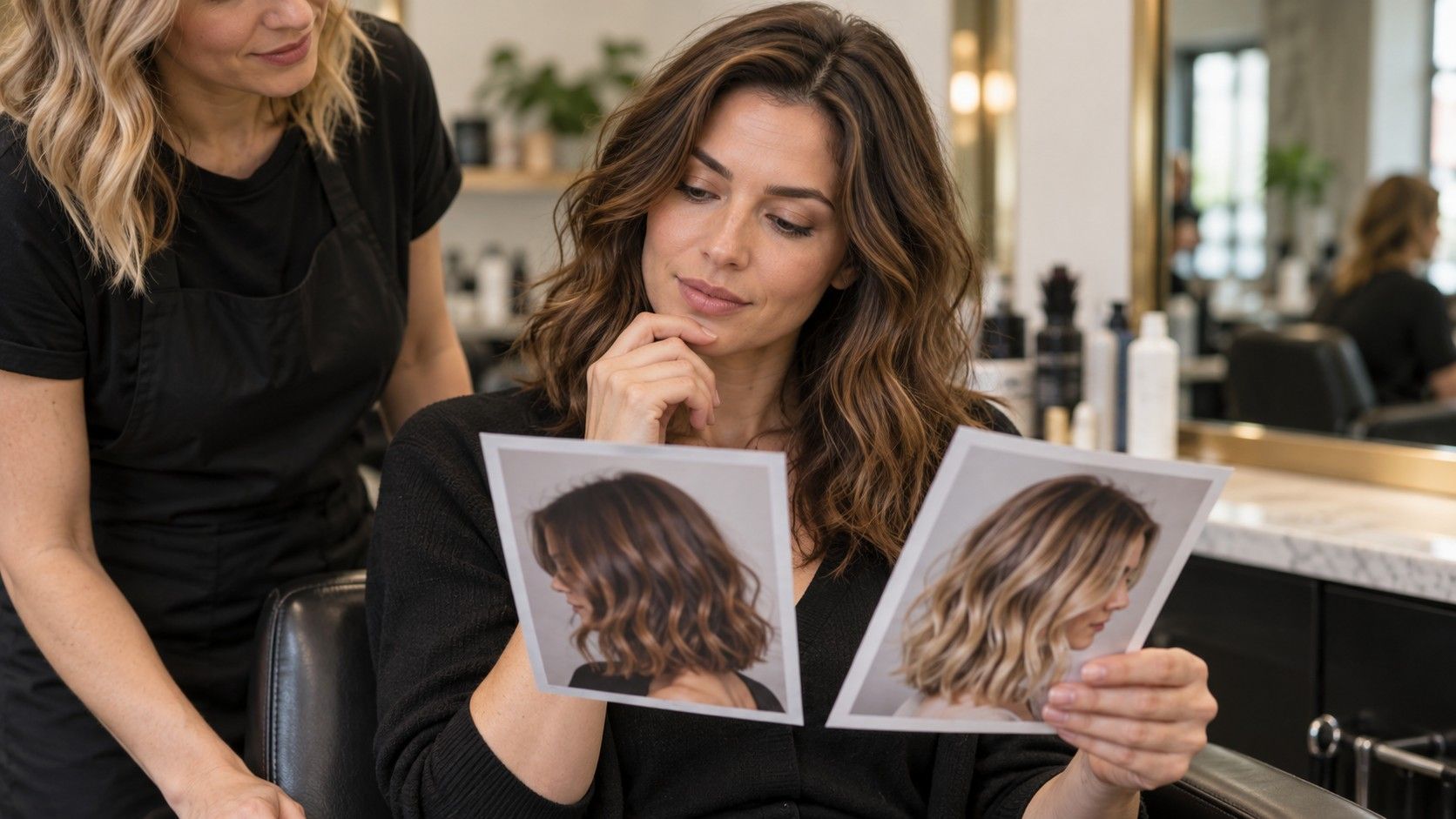
A stylist does not need ten screenshots of nearly identical previews. Bring two or three and explain what you like in plain terms: the lighter shape around the jaw, the softer fringe, the shorter back, the extra volume at the crown. Then ask what would have to change for your hair type. A good consultation turns the preview into a cut that can exist on your head.
Be open to translation. The stylist may say the exact bob in the image would sit too wide because your hair is dense, or the fringe would split because of a cowlick. That is not a rejection of the idea. It is the moment where the useful part is separated from the impossible part. You might keep the length but soften the line, keep the fringe direction but make it longer, or keep the layers but adjust the parting.
The best final decision usually comes from combining the preview, your real photos, and the stylist's view of growth patterns. A haircut try on photo can give you courage, but it should also give you better questions. Ask about maintenance, grow-out, styling time, and what the cut will look like without a salon blowout. That is how a digital preview becomes a haircut you can live with after the first wash.